
Cloudburst
Pop the storm, paint the sky.
Watch Cloudburst
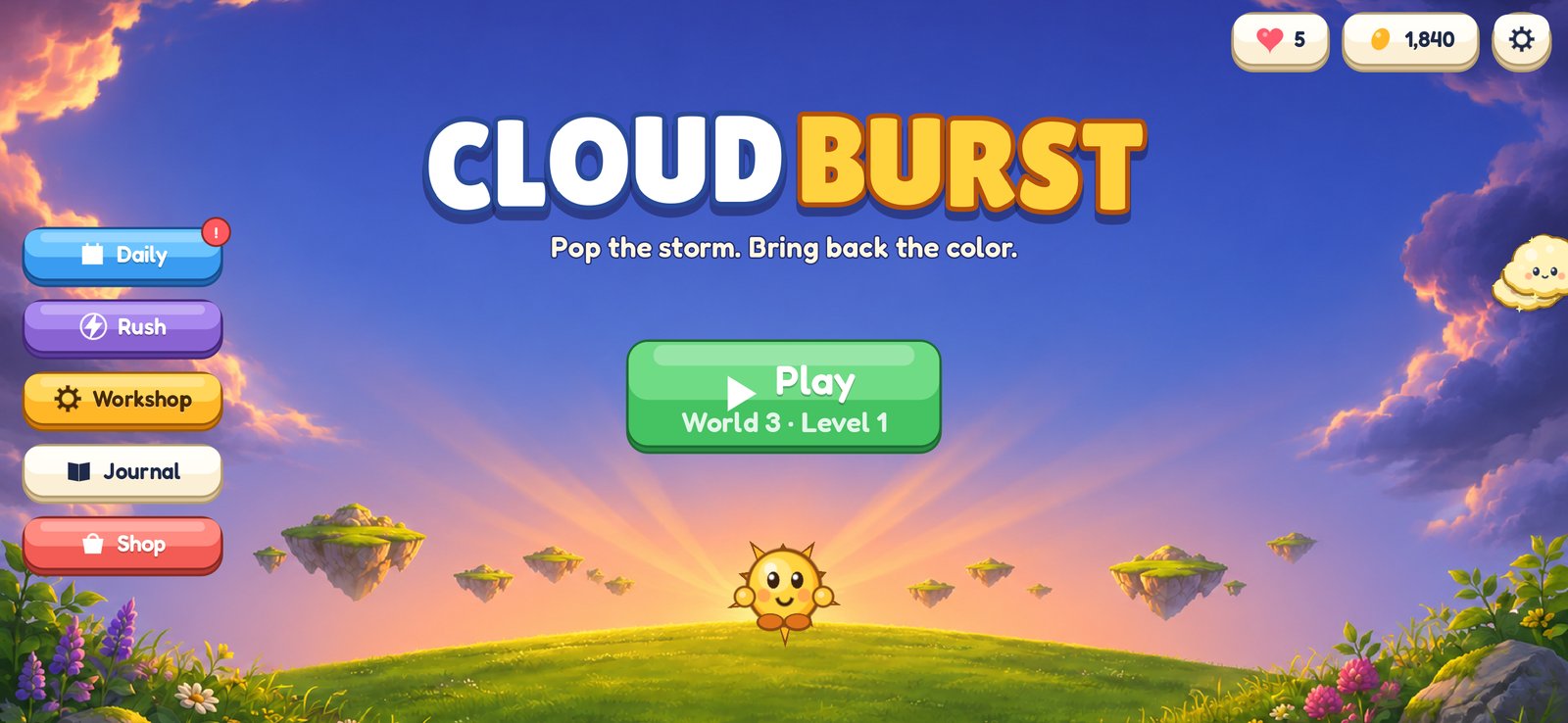
The Storm King has stolen the sun’s colors, and his grumpy clouds are bouncing all over the sky islands. Fire Sunny’s beam straight up, split every cloud you hit, and watch the rain bring the color back.
What makes it different
- Every pop paints the land
Split clouds down to tiny puffs that burst into rain, and the gray ground blooms with color right where it falls.
- Weather with a mind of its own
Puddles, lightning, hail, wind, fog, twins, storm seeds and armored shells, then night skies, gales, ice and updrafts.
- 30 boss storms
A Storm Captain halfway through every world and a three-phase boss at the end, all the way to the Storm King.
- Your own play style
10 beams, 9 tools and 12 charms, earned as you play and upgraded with Sun Seeds.
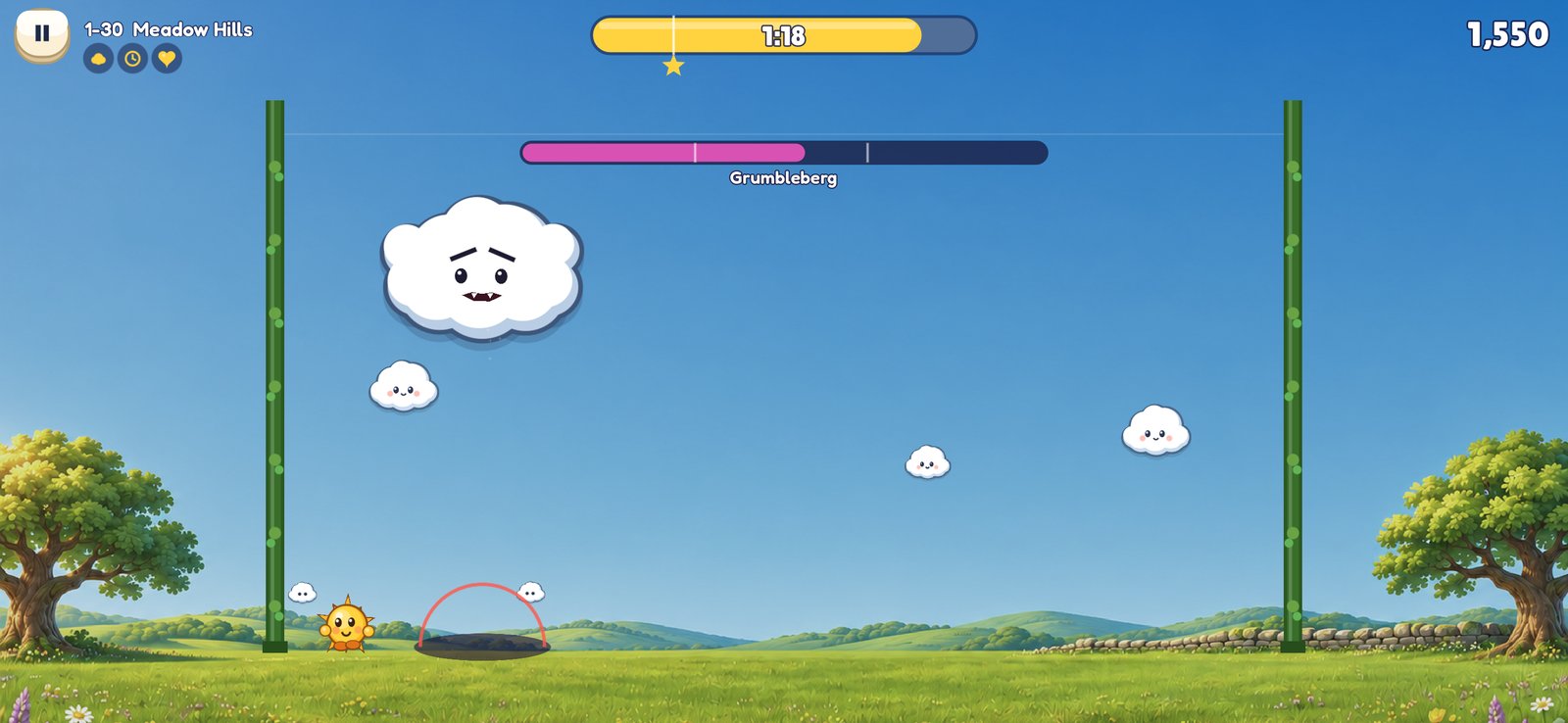
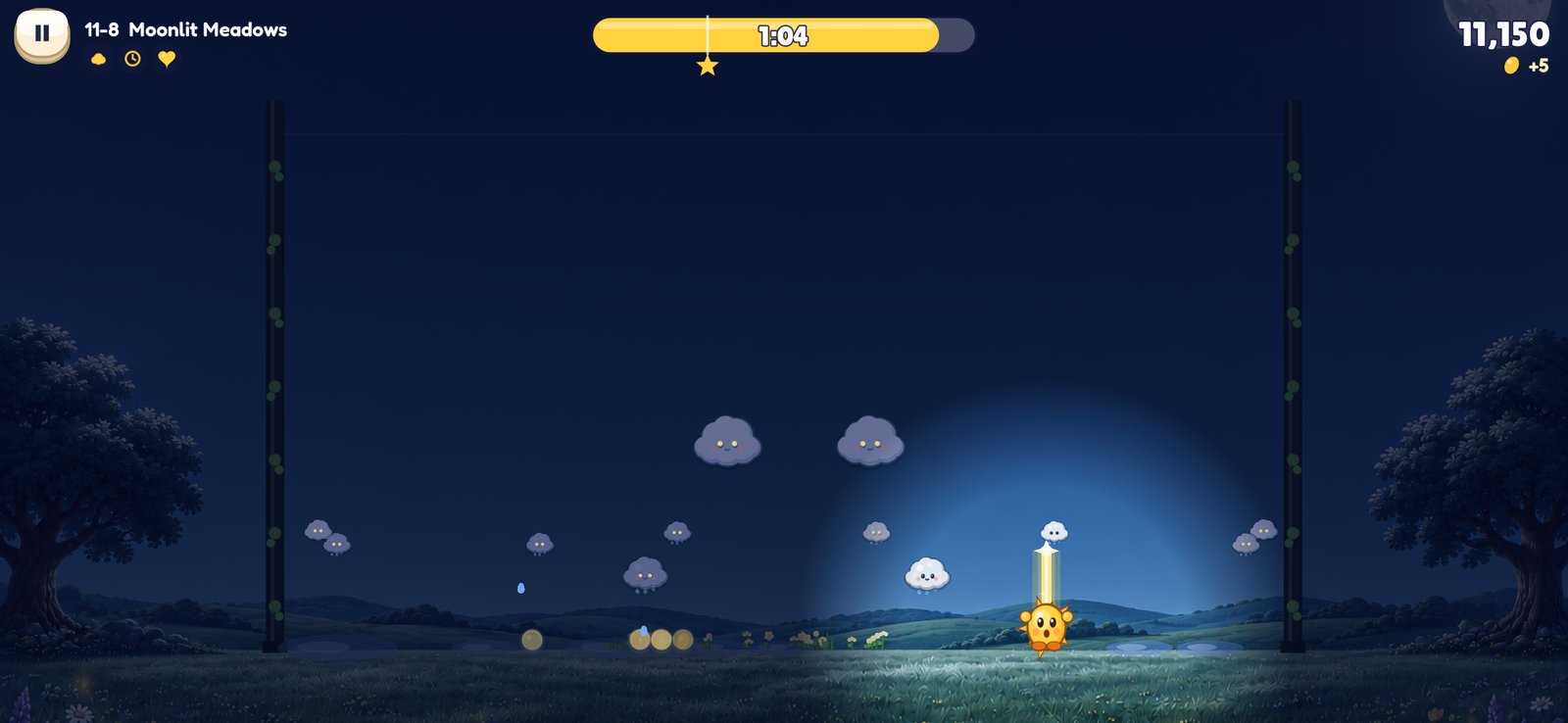
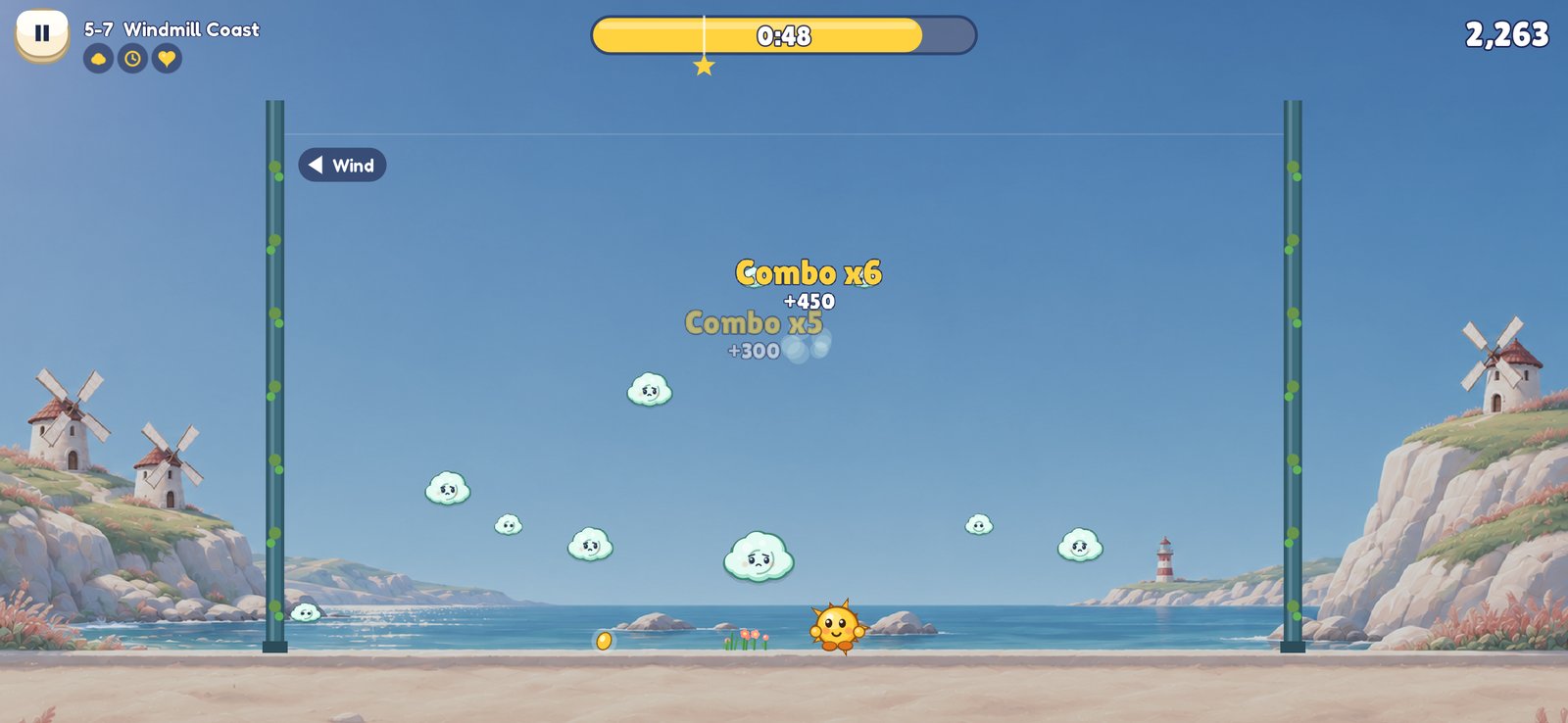
Meadows, orchards, thunder peaks, frozen fjords, lantern harbors, crystal caverns and the Storm King’s own throne.
The Daily Storm, endless Storm Rush, holiday skies all year and a Weather Journal of every cloud and boss you meet.
Cloudburst help
Questions
Where is my progress saved?
On your device. With iCloud on, a copy is kept in your own iCloud so a new iPhone or iPad can pick up where you left off. If you use Game Center, your scores and achievements are kept by Apple too.
How do I restore a purchase?
Open the game’s shop or settings and tap Restore Purchases, signed in with the same Apple Account you bought with.
Can I get a refund?
Purchases go through Apple, so refunds are handled by Apple at reportaproblem.apple.com.
Something is not working
Write to support@australiascomputertechs.com with your device, iOS version and what happened. A screenshot helps.
Still stuck? Email support@australiascomputertechs.com.
Privacy at a glance
- No ads, no tracking and no account.
- Your progress stays on your device. With iCloud on, a copy of your progress is kept in your own iCloud; we never see it.
- Game Center trophies and leaderboards are handled by Apple, if you use them.
- Purchases are processed by Apple. We never see your payment details.
Purchases: No ads. Optional purchases are listed clearly in the Shop.
Read the full Privacy Policy and Terms of Use.